
AI Clothes Changer: How to Try On Outfits on Your Photo

An AI clothes changer takes a photo of you and shows you wearing something different. You can see a coat you have not bought, a dress you are not sure about, or the outfit you are thinking of packing, all before you put anything on. The idea is simple, but the results depend a lot on how the tool works and how you use it. This guide explains both, so you know what to trust and what to double-check.
What an AI clothes changer actually does
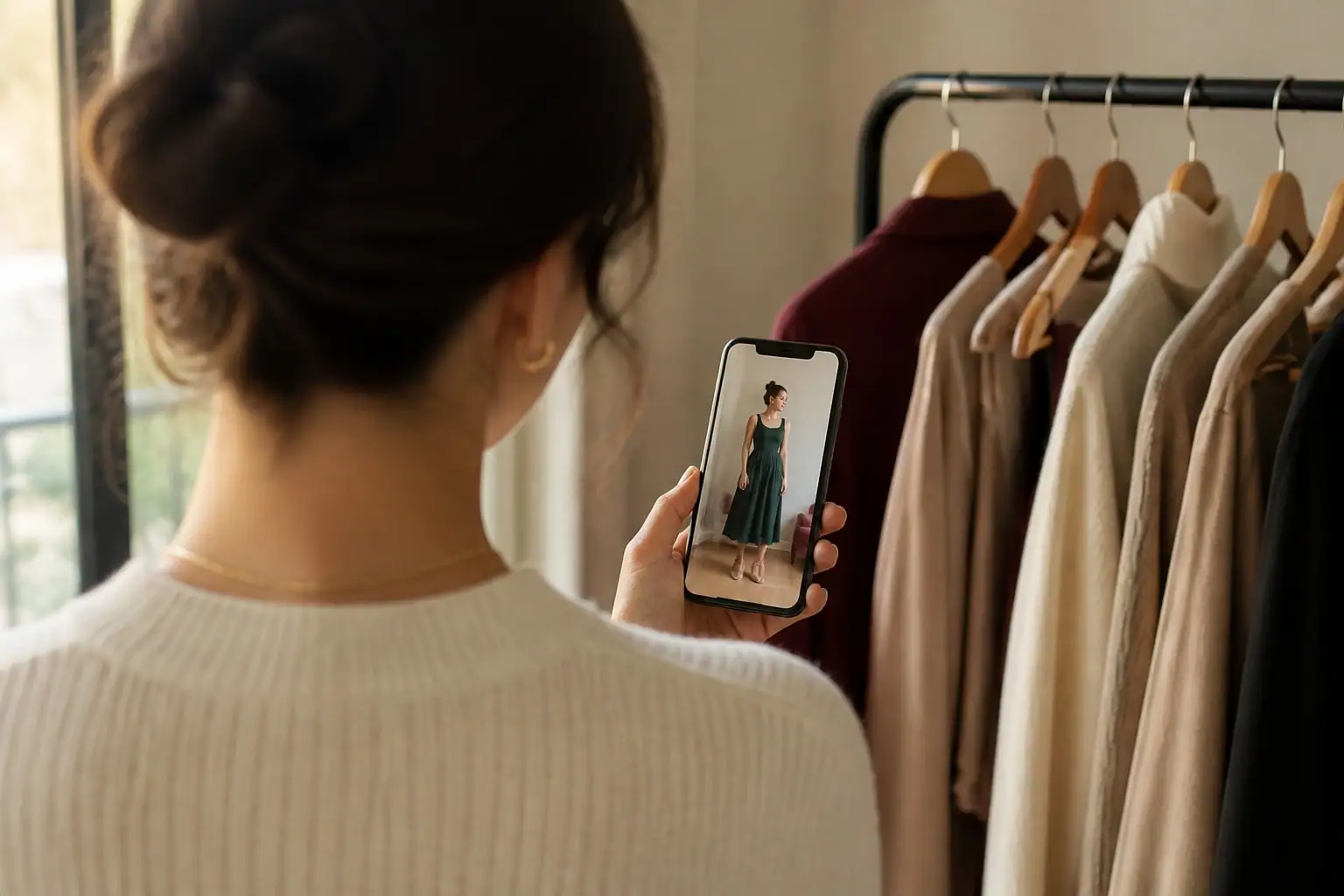
At its core, the tool does two things. It reads your photo to understand your pose, your proportions and where your clothes sit. Then it draws a new version of that photo with a different outfit on top, keeping your face, your body and the background.
Older virtual try-on systems worked like a paper doll. They took a flat picture of a garment and bent it to roughly match your shape. The research behind that approach, such as the VITON-HD paper, describes the garment being warped and then blended onto the person. Newer systems use generative models, which paint the clothes onto you instead of pasting them, so folds, shadows and fabric look more natural.
This has moved from research into everyday shopping. Google launched a virtual try-on for apparel in the United States in July 2025, letting people see clothes from its shopping results on a photo of themselves. A later update, covered by PetaPixel, added the option to start from a selfie.
What it does well, and where it slips
An AI try-on is very good at answering questions of style. Does this color work with my skin tone? Do I like how a long coat looks with wide jeans? Would a midi dress feel like me? Because it is your own photo, you get a quick, honest gut reaction, which a model photo on a shopping site cannot give you.
It is much weaker at answering questions of fit. Researchers say so openly. A 2026 paper on fit-aware virtual try-on points out that most existing methods largely ignore fit and tend to produce a well-fitted result whatever the size of the body or the garment. The VITON-HD authors also report that these systems do not yet perform robustly on everyday, in-the-wild photos, and that their training data mostly contained slim women and tops.
In practice, that means you should read the picture as "does this style and color work on me?" and not as "will a size M fit me?". Check the size chart, the fabric and the return policy as you always would. Use the image to decide what is worth considering, not to decide what to keep.
How to get a good result
The photo you start from matters more than any setting. A few habits help every time:
- Use daylight. Soft light from a window shows your shape and skin tone clearly and gives the tool clean information to work with.
- Stand straight, full length if you can. Keep your arms slightly away from your body and your feet in the frame. A tool can only guess what it cannot see.
- Wear something fitted. A close-fitting top and trousers make it easier to place new clothes than a bulky sweater.
- Pick a plain background. A clean wall beats a busy room.
- Change one thing at a time. Swap the coat, then the shoes. When you change everything at once, it is hard to tell what made the look work.
- Compare two or three versions. One result is a sketch. Three are a decision.
Three ways to put it to work
Before you buy. Send the tool the piece you are eyeing, even a screenshot from a store or a post you saw. If it looks good on you, keep it in mind. If it does not, you have saved a return.
Before you go. A wedding, a trip or a dinner is easier to plan when you have seen the outfit on you. This works best when you also think about the weather, which changes what you can wear. If you are not sure how to dress for in-between days, our guide to what to wear in 60 degree weather shows how layers change a look.
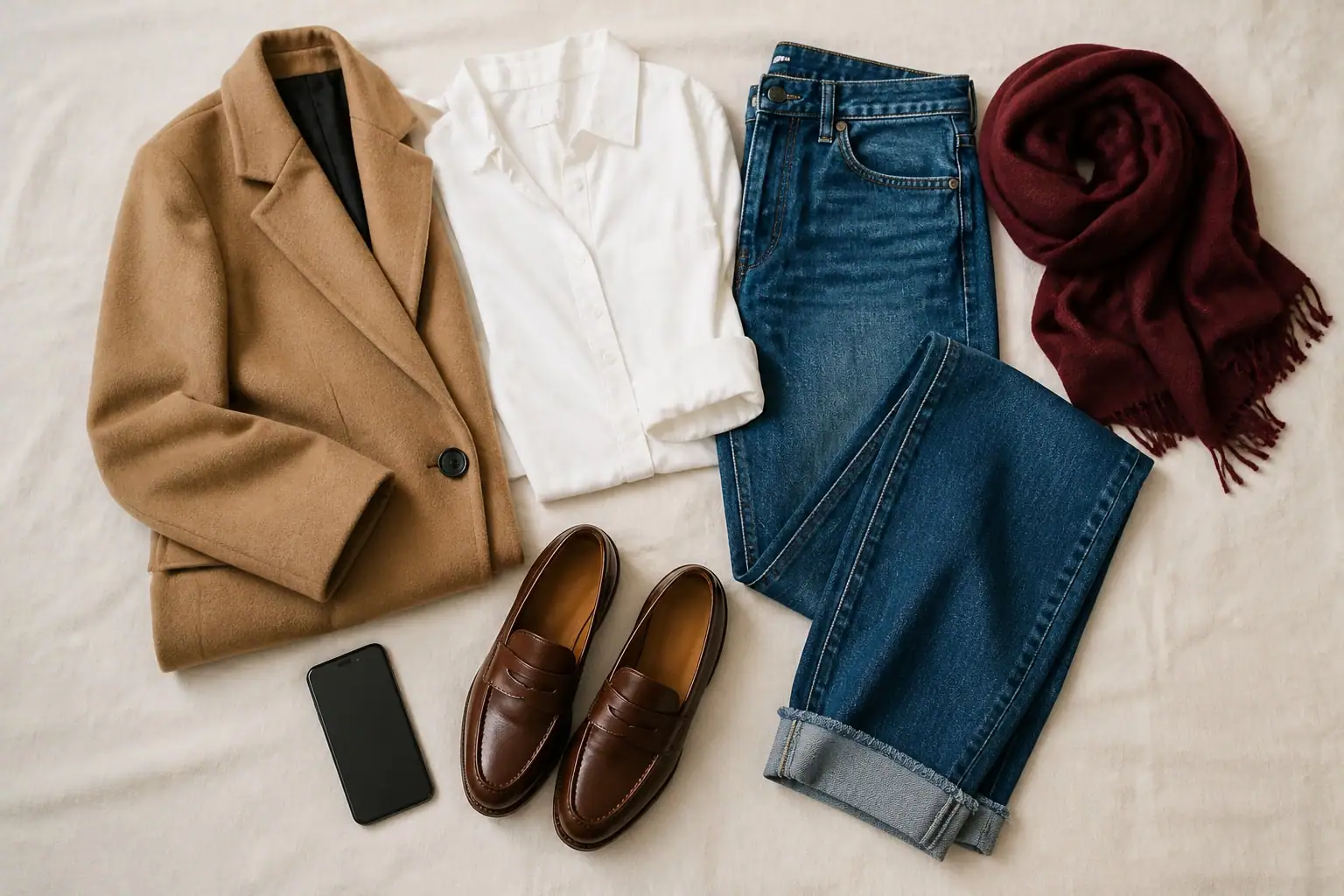
With what you already own. The most useful trick is to start from your closet. Send a photo of a skirt or a pair of boots and ask for a few ways to wear them. You often find that you did not need anything new, only a new combination.
Where Freya fits
Freya is an app for iPhone and Android that works like a personal stylist. You tell her where you are going, send a piece you own, or share a look you love. She builds the outfit and shows it on you, using a photo of yourself, or on a model if you prefer not to add one.
You can talk to her the way you would talk to a friend with good taste. If the first result is not right, say what to change, in your own words, and she adjusts it. She also learns what you love and what you would never wear, and she keeps the looks you like in your Wardrobe, with where you wore them and what they were for. You can start from one of more than 200 styles too, from Old Money to Dark Academia, when you want an idea more than a plan.
It is free to download. If you want to see a look on yourself before you decide, that is exactly what she is for.
A note on photos and consent
A clothes changer is for trying outfits on yourself, or on someone who has said yes. Do not use a photo of another person without their permission, and never to edit a body or to remove clothing. Good tools keep your photo private and let you delete it. With Freya, your photo is used to create your looks and is stored privately, you can delete it from your profile whenever you want, and deleting your account removes everything.
Used well, an AI clothes changer is not a trick. It is a small mirror that lets you test an idea in a minute, then get dressed with more confidence.
Sources
- VITON-HD: High-Resolution Virtual Try-On via Misalignment-Aware Normalization
- FitVTON: Fit-aware Virtual Try-On via Body-Garment Size Control
- Google: You can now virtually try on clothes and shoes with this new AI shopping feature
- PetaPixel: Google's Virtual Try On Tool Lets You Visualize Yourself in Any Outfit From Just a Selfie
Keep reading

Country Concert Outfit Ideas: What to Wear for Any Venue
A country concert outfit is about boots, denim and comfort, but the venue matters. Here is what to wear to a stadium, a festival or a honky-tonk night.
What to Wear in 60 Degree Weather: Outfit Ideas That Work
Sixty degrees is mild but tricky: cool in the shade, warm in the sun. Here is a simple layering formula, five outfits and the fabrics that make it easy.