
AI Outfit Generator: What It Does and How to Judge It

An AI outfit generator takes something you give it, such as a photo of a piece, a description of your day or a picture of your closet, and returns complete looks: a top, a bottom, shoes and a layer that go together. It is a fast way to get ideas. It is not a judge of fit, and it does not know your life unless you tell it. Used with that in mind, it can end the "I have nothing to wear" loop in a couple of minutes.
What does an AI outfit generator actually do?
Most tools do one or more of three jobs. The first is suggesting: you describe an occasion, a color or a piece, and it proposes combinations. The second is showing: it draws the look, either on a model or on a photo of you. The third is remembering: it keeps your pieces in a digital wardrobe so the suggestions come from clothes you really own.
The showing part comes from virtual try-on research. The VITON-HD paper describes the classic recipe: prepare a map of the person's body, roughly fit the garment to it, then blend the two with a generator so that textures stay sharp. The same paper notes that early systems were limited to low resolution, and that misalignment between the garment and the body becomes more visible as the image gets bigger. Newer tools use image generation models built for fashion, which paint the clothes onto you instead of pasting them.
If you want a closer look at the photo side of this, our guide to the AI clothes changer explains how a try-on reads your picture and where it slips.
Which tools exist, and what do digital wardrobe apps add?
Three kinds of products sit under the same label. Shopping try-ons are built into stores and search. Google, for example, lets you tap a "try it on" icon on a product in Search and shows apparel on a full-length photo you upload, using a model made for fashion that tries to account for how fabric folds, stretches and drapes on different bodies.
Experiments such as Google's Doppl app let you upload a photo of an outfit, from a friend, a shop or social media, and see it on a digital version of you. Google itself calls it an early experiment that "may not always get things right".
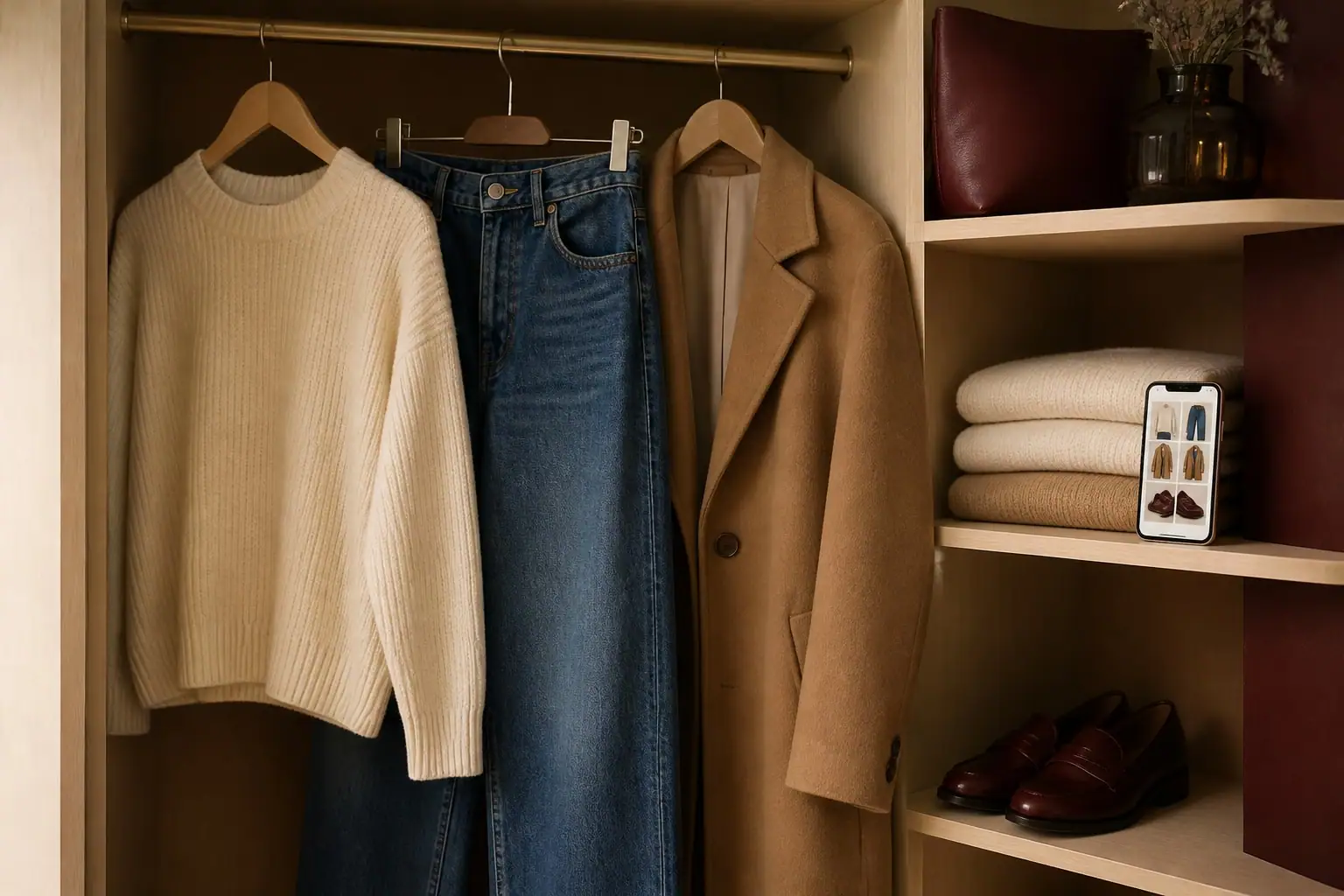
Digital wardrobe apps and AI stylists start from your closet instead of a store. You photograph or import what you own, and the app builds looks from it, sometimes with the weather and your plans in mind. The big difference is the starting point: a shopping try-on helps you decide what to buy, while a wardrobe-based generator helps you wear what you already have.
How do you use an outfit generator with your own wardrobe?
The quality of what comes out depends on what goes in. A simple routine works well:
- Add the pieces you wear most. Ten to fifteen well-photographed items beat a hundred blurry ones. Lay each piece flat or hang it against a plain wall in daylight.
- Say where you are going. "Dinner in a warm restaurant, then a cool walk home" gives the tool far more to work with than "something nice".
- Name your limits. If you never wear heels or you dislike tight sleeves, say so. Good tools remember it.
- Ask for variations, not one answer. Request three looks, then change one piece at a time and see what shifts.
- Mix the idea with the day. If you still need a quick way to decide, our one-minute method for what to wear today pairs well with a generator: pick the feels-like temperature first, then let the tool choose the pieces.
The result is often a combination you had not tried, using clothes already hanging in your wardrobe.
What can an AI outfit generator not do well?
It struggles with fit. Google's own description of its try-on talks about fabric and drape, but no tool can feel how a waistband sits or whether a sleeve is long enough, and Google says nothing about size accuracy. Doppl's announcement is even more direct: fit, appearance and clothing details may not always be accurate. Treat the picture as an answer to "does this style and color work for me?" and not to "will this size fit?".
It also does not know your culture, your dress code or your workplace unless you say so. A look that suits a gallery opening may be wrong for a conservative office, and the generator will not warn you. And it can be too polished: a smooth, flattering render hides wrinkles, wrong lengths and the shoes that hurt after an hour.
How do you judge the result?
Ask four questions before you trust a look:
- Would I wear it on a normal day, not only in the picture? If you cannot picture the walk to the bus stop, it is a fantasy.
- Is every piece something I own or can easily get? A look built around one missing item is a shopping list in disguise.
- Does it suit the weather and the setting? Check the feels-like temperature and how long you will be outside.
- Do I feel like myself in it? This is the test that matters. A good outfit should look like you on a good day, not like someone else.
If three answers are yes, put the look together once in real life, in front of a mirror, and decide there.
Where does Freya fit?
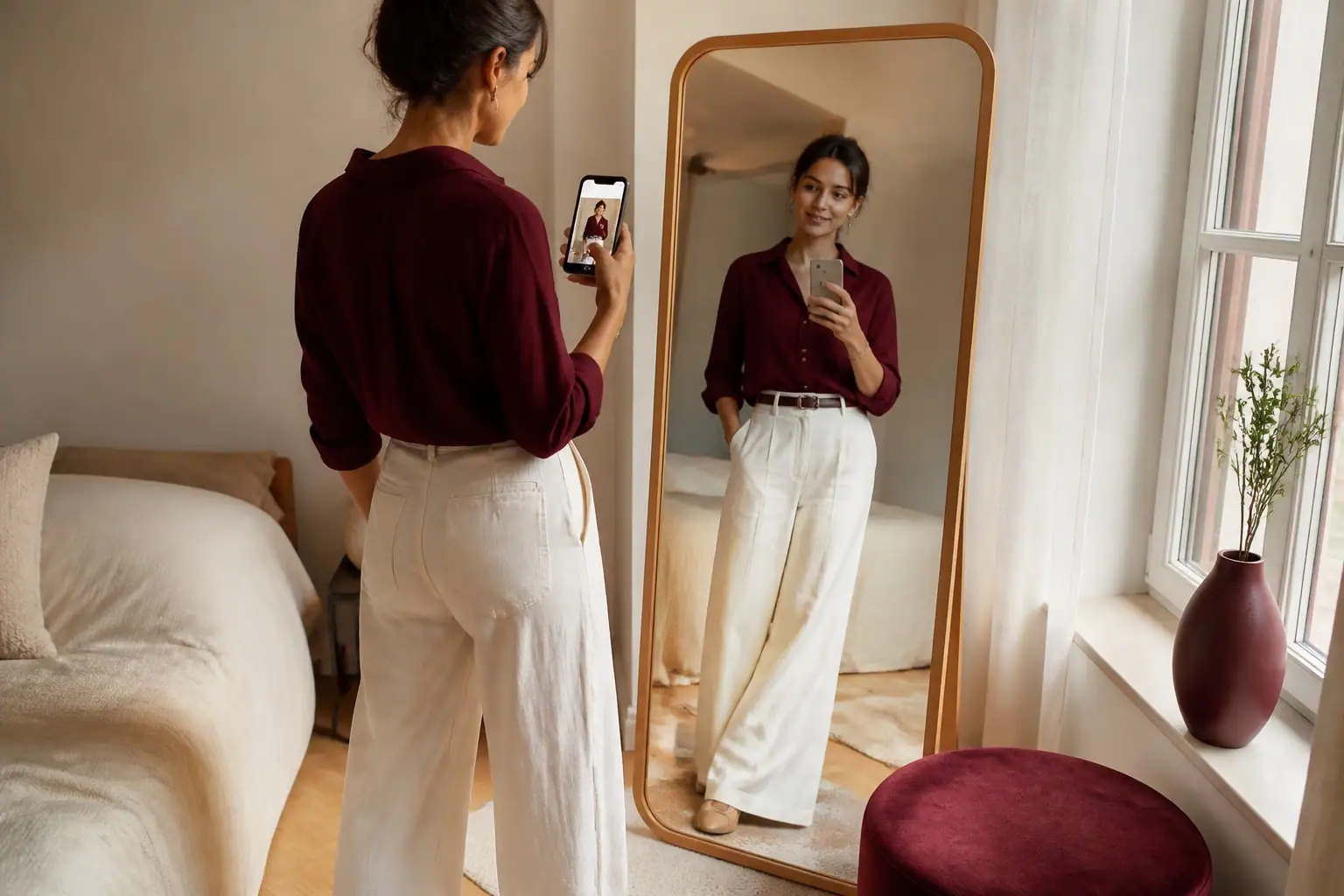
Freya is an app for iPhone and Android that works like a personal stylist. You tell her where you are going, send a piece you own or share a look you love, and she builds the outfit and shows it on you, or on a model if you prefer. You can talk to her like a friend with good taste: if the first result is not right, say what to change. She learns what you love and what you would never wear, and she keeps the looks you like in your Wardrobe. It is free to download.
A note on photos and consent
Use an outfit generator on yourself, or on someone who has clearly said yes. Never use another person's photo without their permission, and never to change a body or remove clothing. Good tools keep your photo private and let you delete it. Used with care, an AI outfit generator is a quiet helper: it gives you ideas in a minute, and you decide what to wear.
Sources
Keep reading
How to Build a Capsule Wardrobe in 5 Simple Steps
A capsule wardrobe is a small set of pieces that work together. Here are five practical steps, a sample 24-piece list for four seasons and the term's origin.

AI Clothes Changer: How to Try On Outfits on Your Photo
An AI clothes changer shows you in a new outfit from a single photo. Here is how it works, what it gets right, where it slips and how to get a good result.

What Is Smart Casual? Outfits for Women and Men
Smart casual means relaxed clothes worn with polish. Learn how it differs from business casual, see looks for women and men, and avoid the common mistakes.